
| 1.Unlock Your Iphone. | 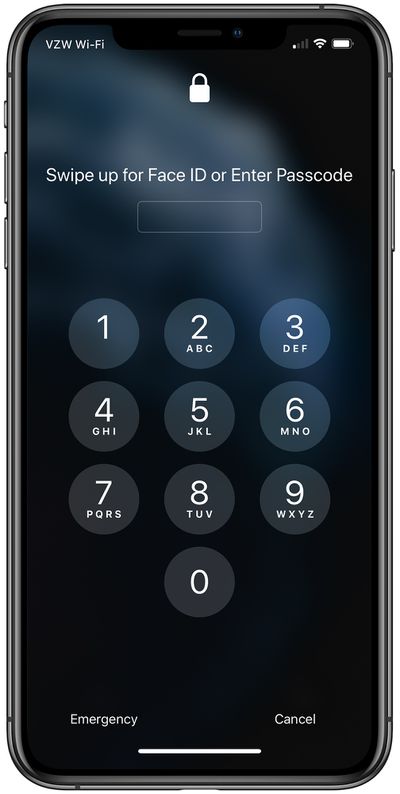 |
| 2. Look for your message icons and click it. |  |
| 3. To text someone click on the "make a new conversation" icon and look for that contact. | 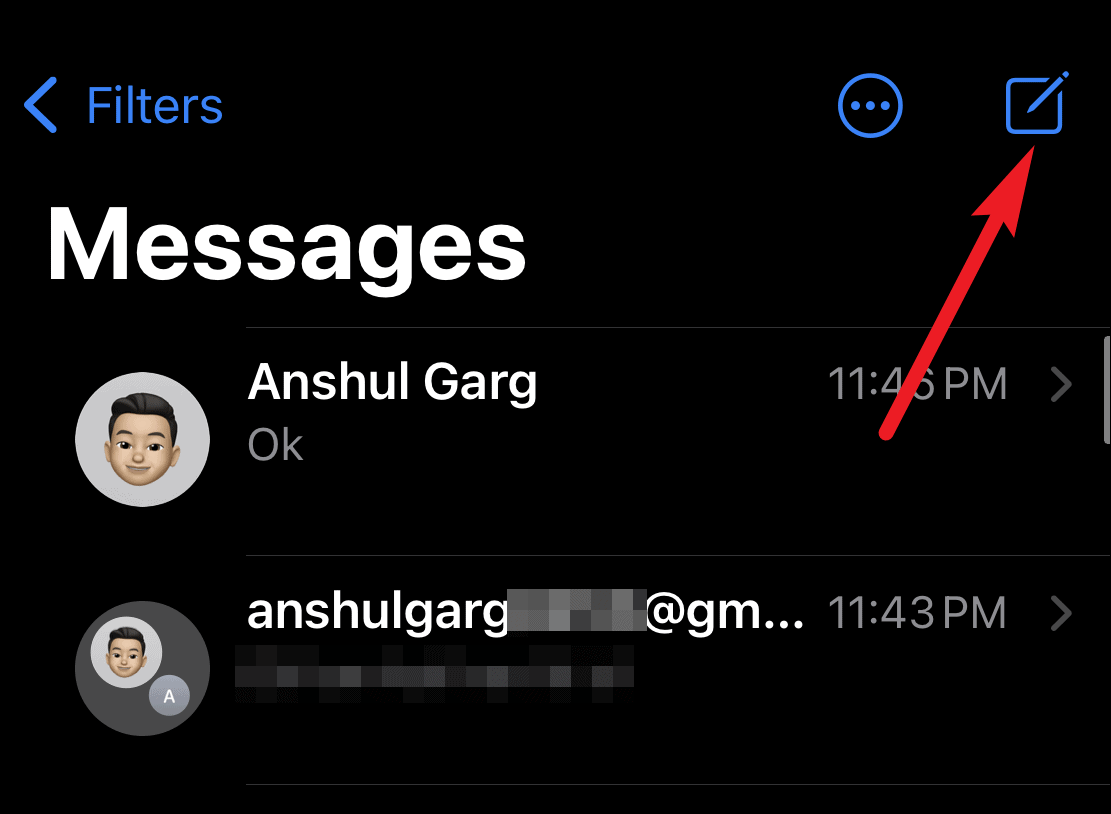 |
| 4. To make a group chat with 2 or more people just keep on adding contacts/people you want in the group chat. | :max_bytes(150000):strip_icc():format(webp)/001-text-multiple-people-using-iphone-2000555-c8cb55f3647a4d40998daaf668acc733.jpg) |
| 5. To start texting tap on "text message" or "Imessage". | 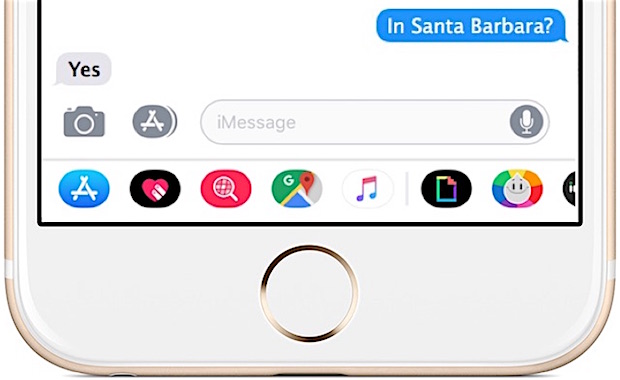 |
| 6. To send the message press on the arrow next to your text bubble. |  |
If You are still having Trouble, Watch this Video Walk-Through.